US -> Dutch Mobile Phone Service
A strategy when expatriating to EU from the US to obtain a local number, maintain your US number, and minimize roaming and data charges.
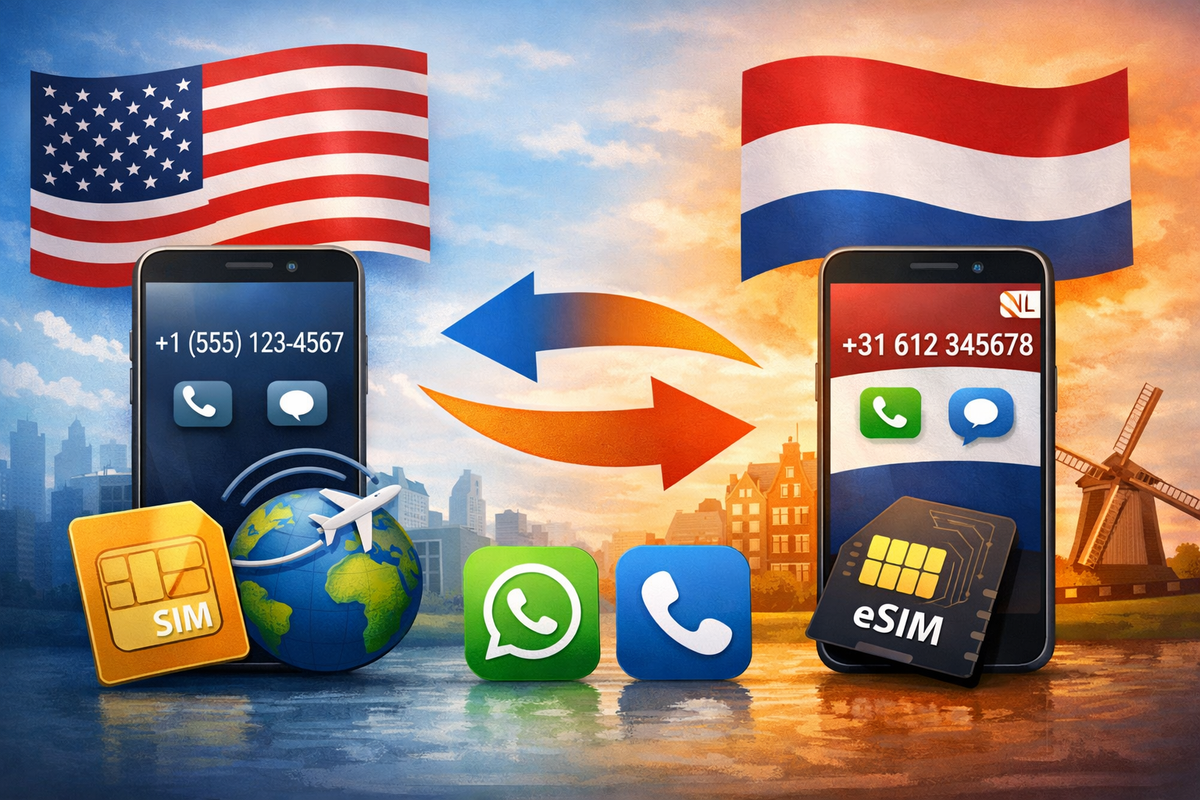
When moving from US to Netherlands you'll have a US Number, and will want to get a Dutch mobile number ASAP (as it makes a lot of things easier), while minimizing roaming fees and maintaining your old US number.
Here's what we did, we have AT&T and chose to go with Vodafone in the Netherlands, but the process should be roughly the same for any combination of carriers.
Before Moving - WhatsApp, Setup Roaming
It can be quite expensive to call internationally, recommend switching yourself to a dutch plan as well as setting up a WhatsApp (which is commonly used by those in the EU to avoid these kinds of fees for calls and text messages). For AT&T this is a small additional monthly fee that allows for calls while in the US to international numbers. If you missed this, you can often call and retroactively change onto the plan eliminating the expensive billings.
While you have them, see what options they have for international roaming (making calls / data while in a foreign country), for AT&T we went with the feature at the time that gave unlimited data and calls while in country for $12 / day (automatically detecting when you use).
For setting up your WhatsApp it's okay to use your US number, as this can be changed once you have your new number.
Important: If you want to save your old number, while you are still in the US you should create a Google Voice account (free). When it asks to create a free number for you, skip (no number setup), you'll port your US number once ready.
After moving - Dutch Prepaid
After you move, you can get a prepaid mobile number at Vodafone or other mobile provider in the mall or at a mobile phone store (I found Google Maps to be the best way to get directions and find businesses in NL, Yelp doesn't seem to have much traction here.)
If your phone is "locked" (You are on a payment plan), you will need to call your old provider and get it unlocked, or buy a new phone for dutch use.
I wasn't able to setup a "plan" without a BSN (which you get after registering with the municipality but it can take a few weeks). So a pre-paid electronic sim (or E-Sim) can be added to your existing phone allowing you to make / place calls from either. Once you have a BSN you can migrate your prepaid number to a plan.
You can go into account settings now on WhatsApp and change your phone number, your contacts will be notified and your chats updated to your new Dutch number.
Note, for iOS go into "Cellular" and select your preferred phone number for new calls and preferred sim for data.
You can top up your prepaid when it gets low online (keep the esim card with your PIN code on it for setup).
Once you have your BSN - Dutch Plan
Once you have a BSN you can get a standard plan, moving your prepaid number over to a more regular plan.
Saving your old number / Cancelling US service
Once you no longer want roaming phone or data service from your old provider (but still want to get text messages / calls), you can now complete your google voice setup, go into settings (if you don't have access because it wasn't setup before you left US, you can still create a new account using a VPN like NordVPN) and select to port your phone number, there is a one time $20 fee, and you'll have to get your account number from your bill as well as a transfer pin (On AT&T this is done by dialing *7678 with your US sim selected as the primary), this also has the advantage of cancelling your old service. If you have trouble you may need to get a VPN as I had mixed results trying to port from a Dutch IP.
Once it's ported you can install google voice app on your phone, you'll now get calls and texts on your app and at least for now, this service is free from Google.